All users who have permission to view a ticket will be able to view any notes added to that ticket.
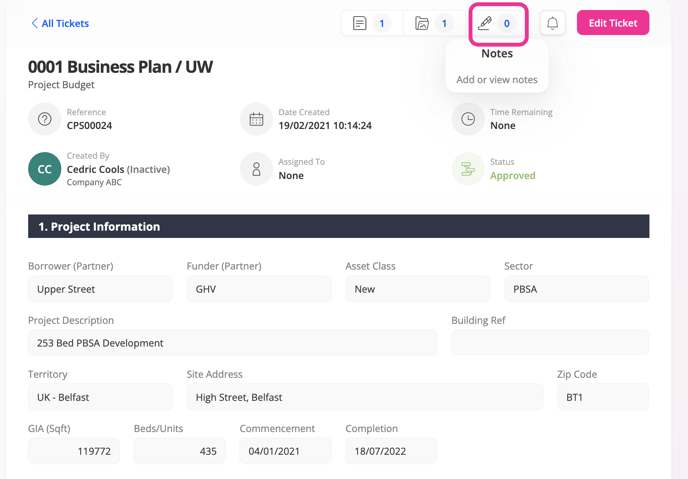
1. On the ticket view page.
2. Click on the notes button.
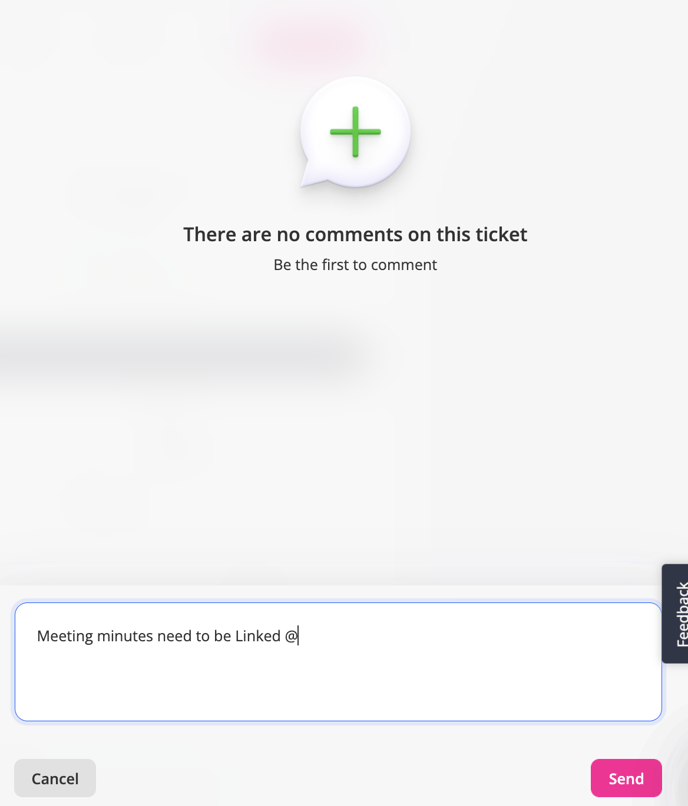
3. Enter your note into the box.
4. Click post.
![String Format.png]](https://support.fu3e.com/hs-fs/hubfs/String%20Format.png?height=26&name=String%20Format.png)
All users who have permission to view a ticket will be able to view any notes added to that ticket.
1. On the ticket view page.
2. Click on the notes button.
3. Enter your note into the box.
4. Click post.