![String Format.png]](https://support.fu3e.com/hs-fs/hubfs/String%20Format.png?height=26&name=String%20Format.png)
View a File Audit Log
This tutorial guides you through accessing and reviewing a project report document.
Go to template.fu3e.com
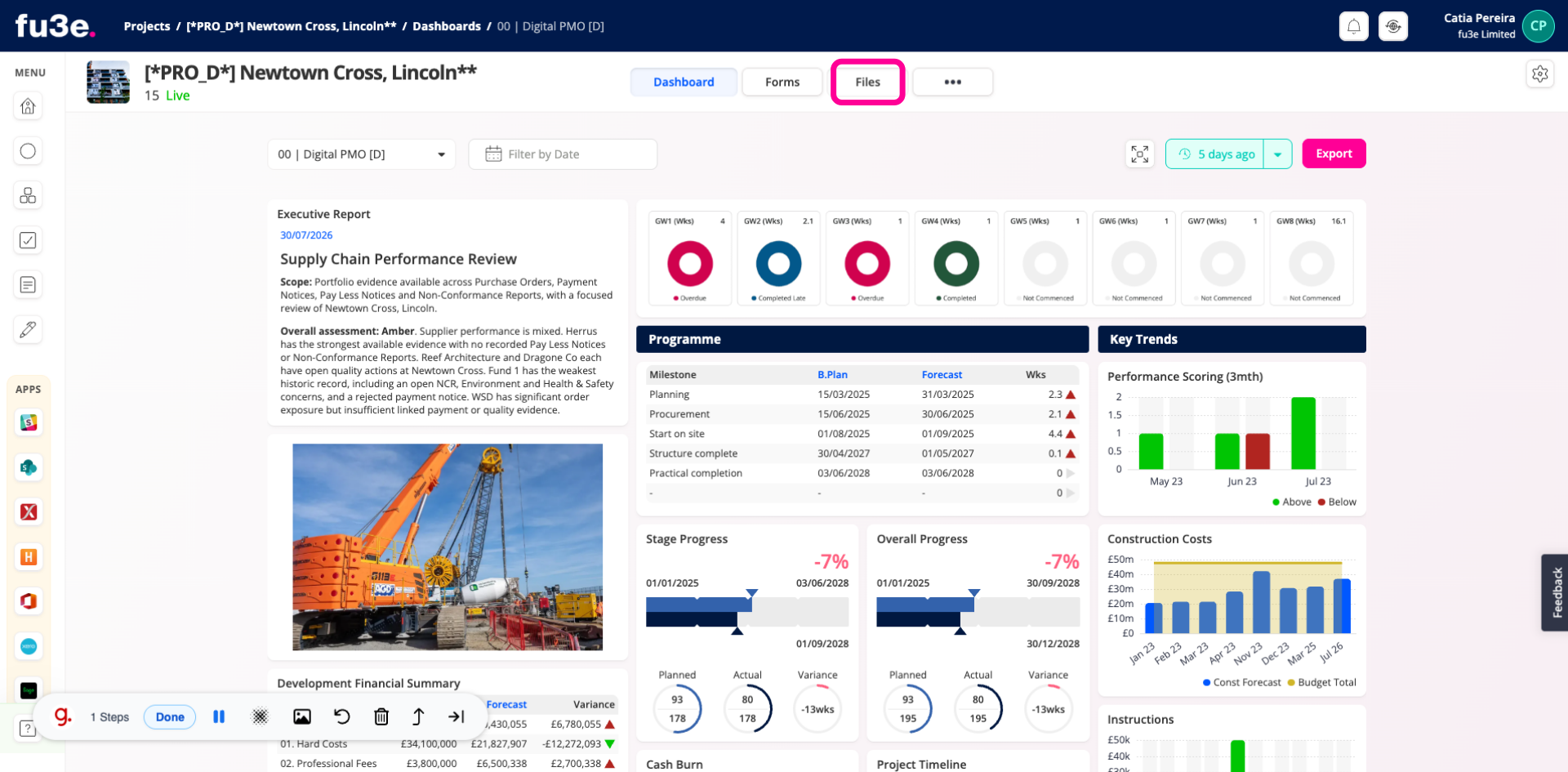
1. Access Files Section
Open the Files section to view all stored documents.
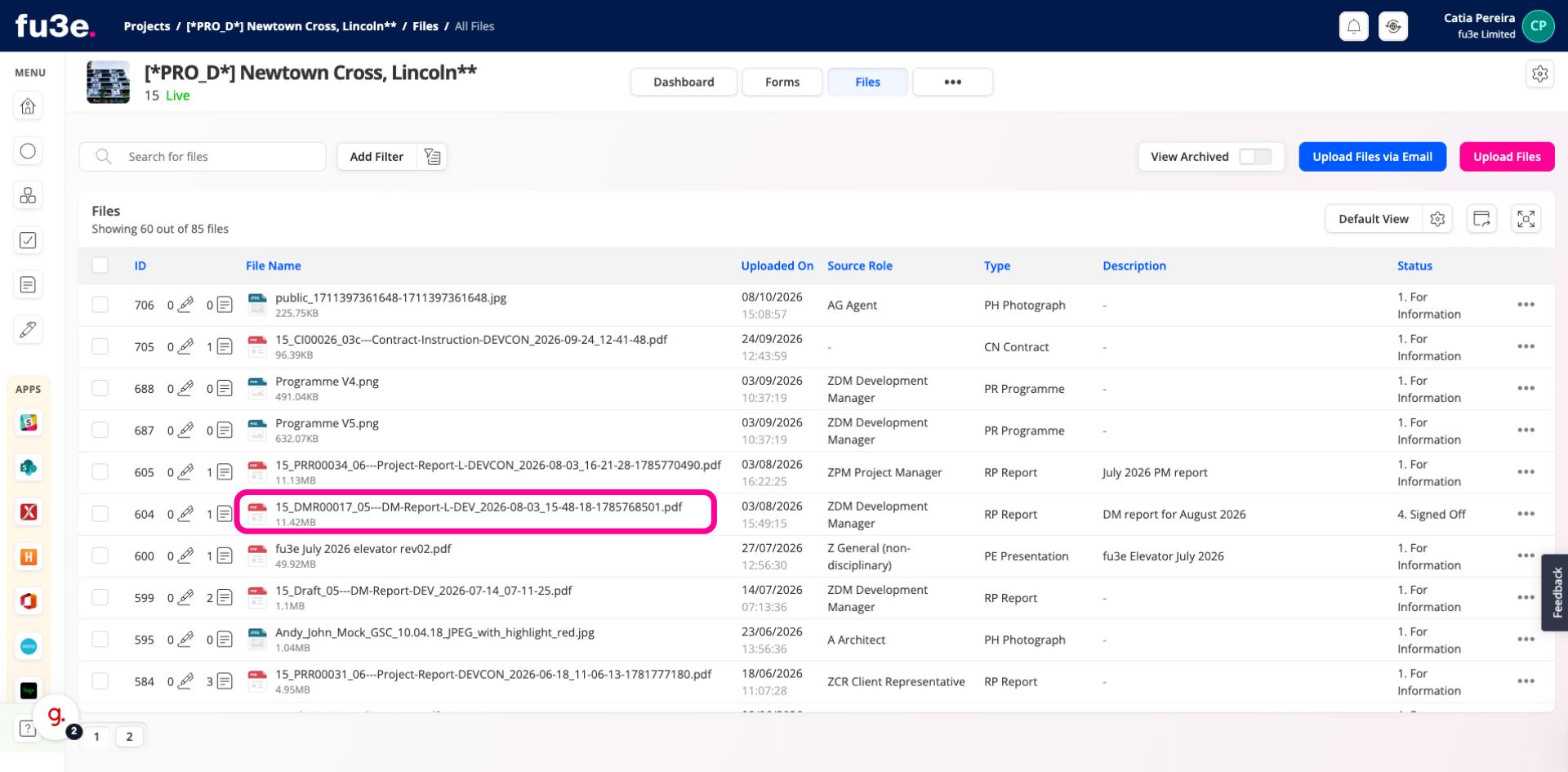
2. Open Project Report Document
Select the document you want to review.
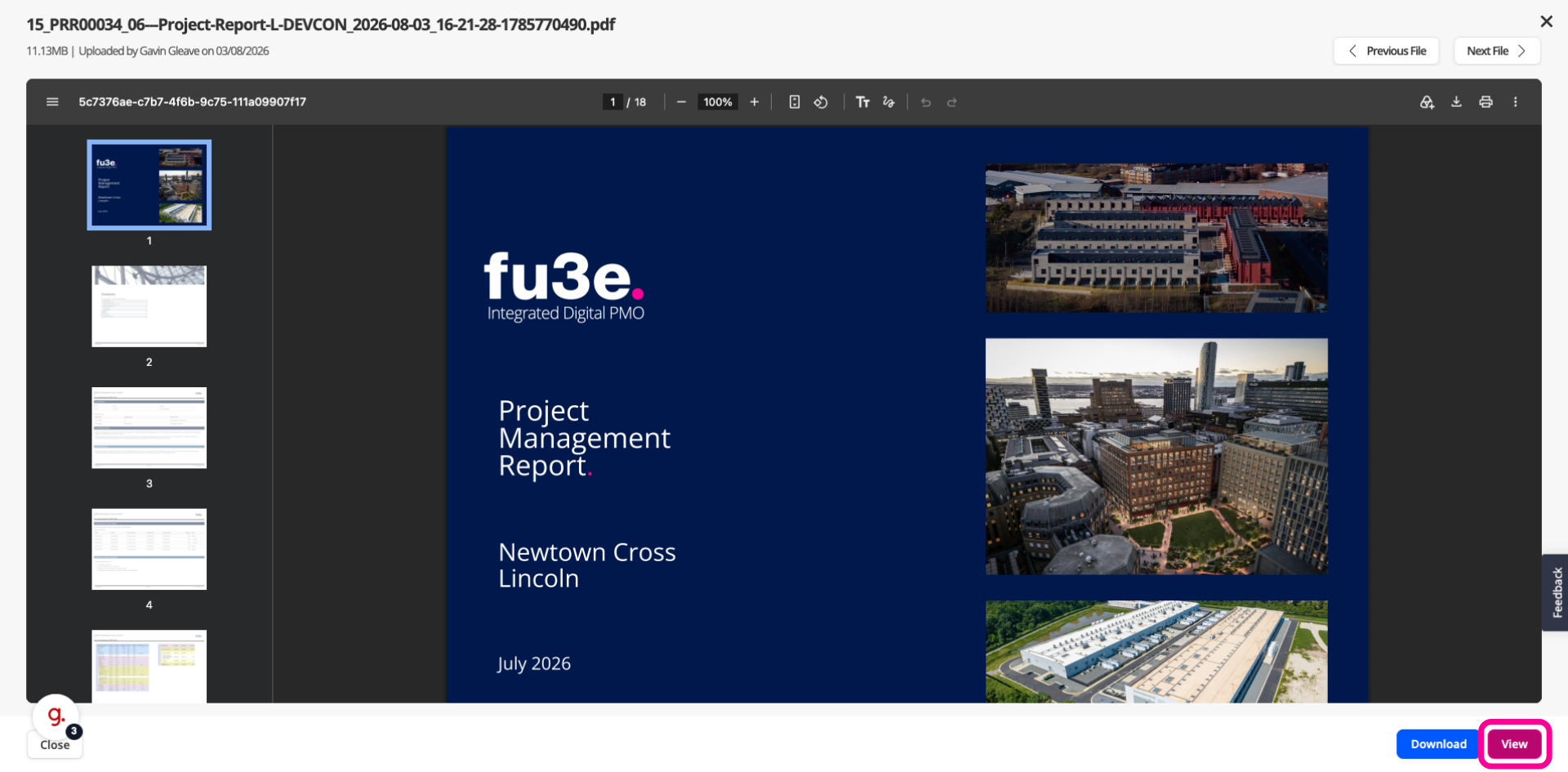
3. View Document Details
Click the View option to display the Actions menu.
4. Access Audit Information
Then select the Audit button from the menu to access the document's audit trail.
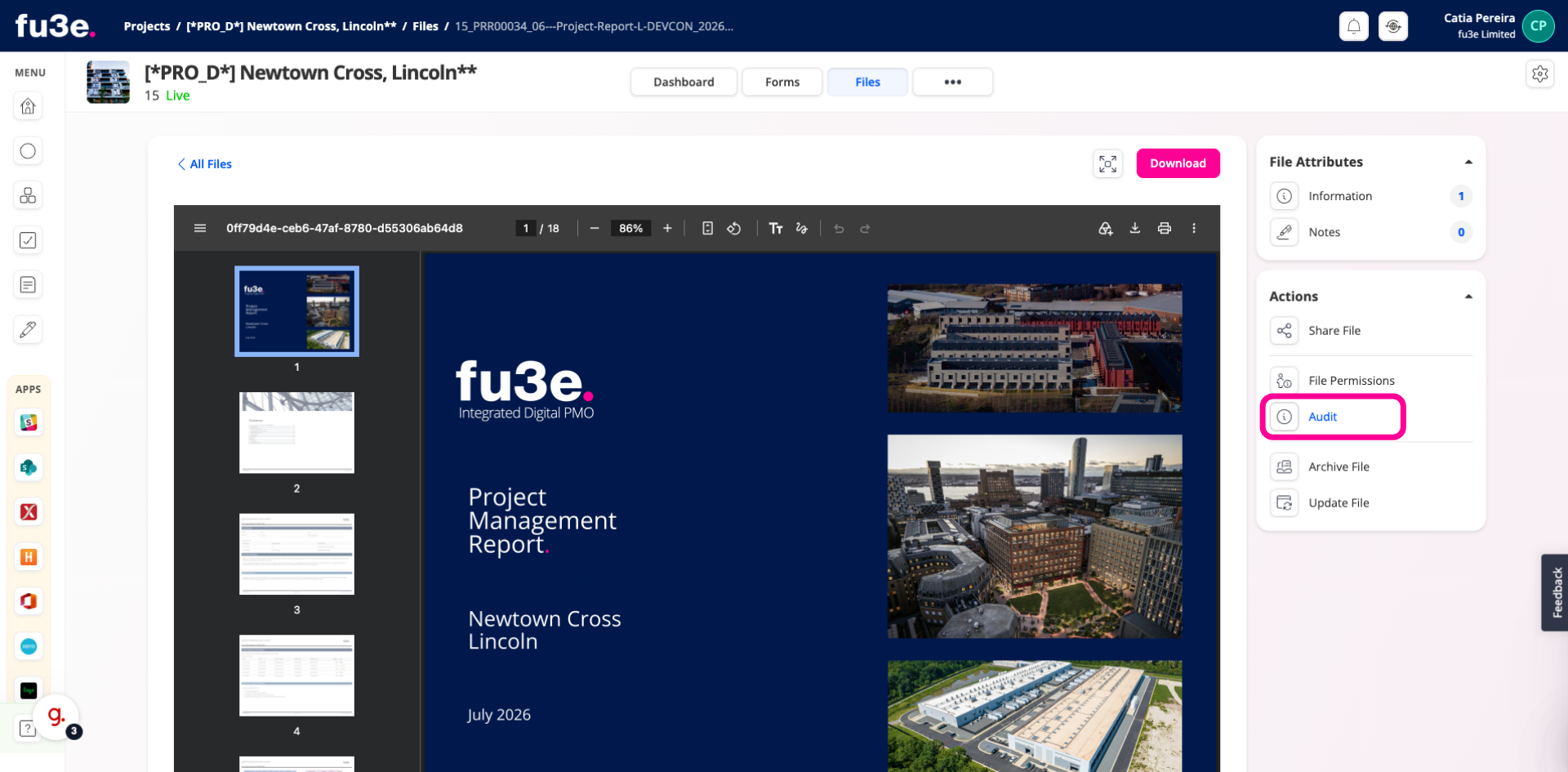
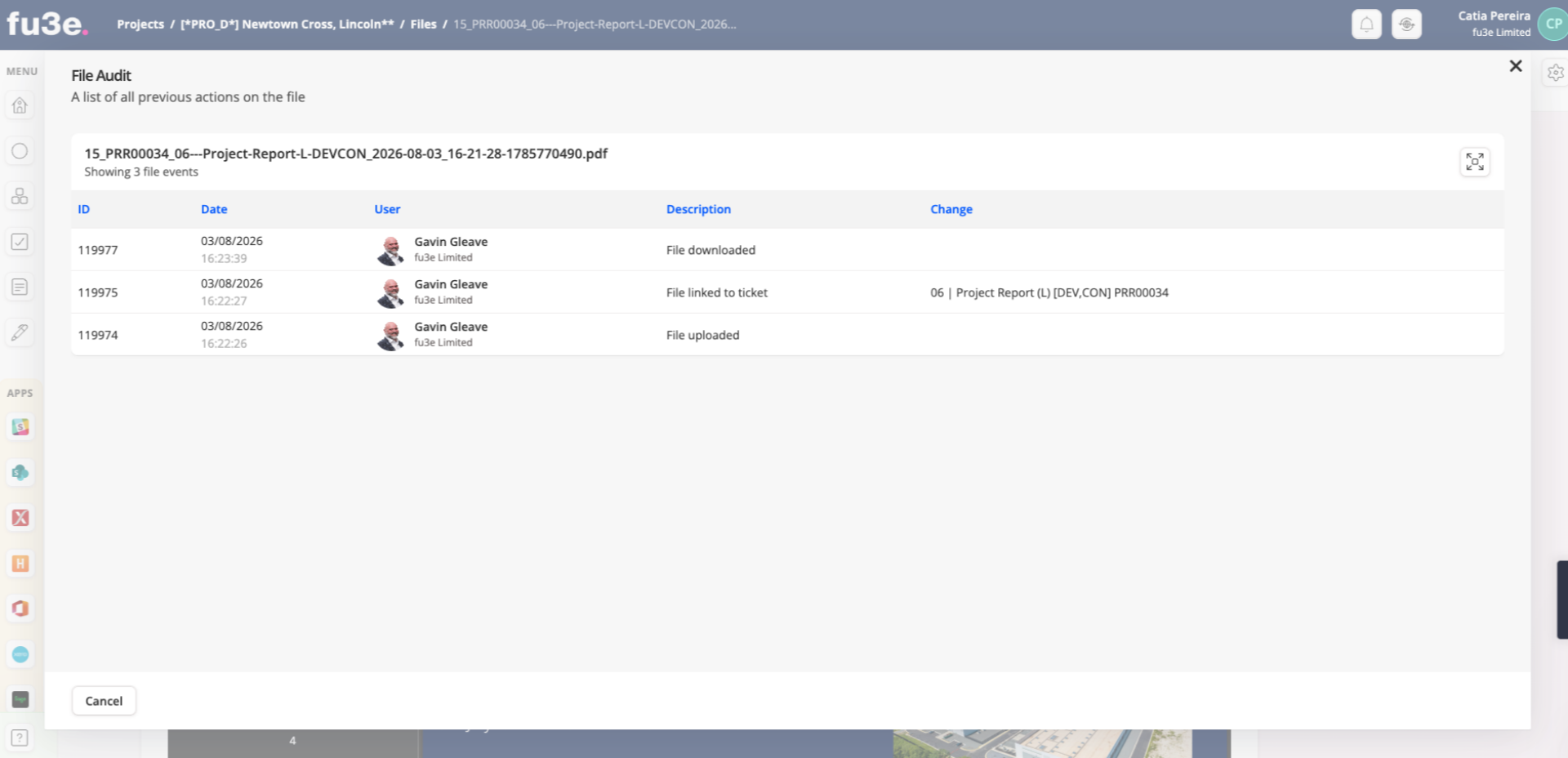
5.
A new screen will open, displaying the document's audit trail and change history.