![String Format.png]](https://support.fu3e.com/hs-fs/hubfs/String%20Format.png?height=26&name=String%20Format.png)
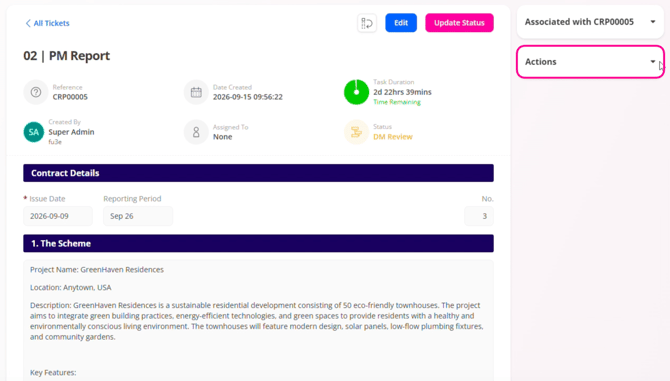
1. On the ticket view page, click the Actions menu on the right-hand side to expand and view the available options.
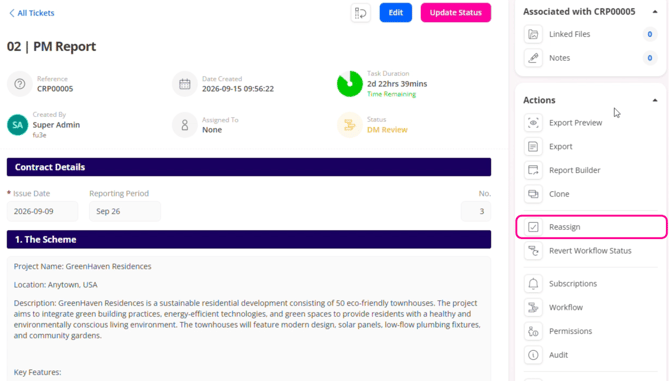
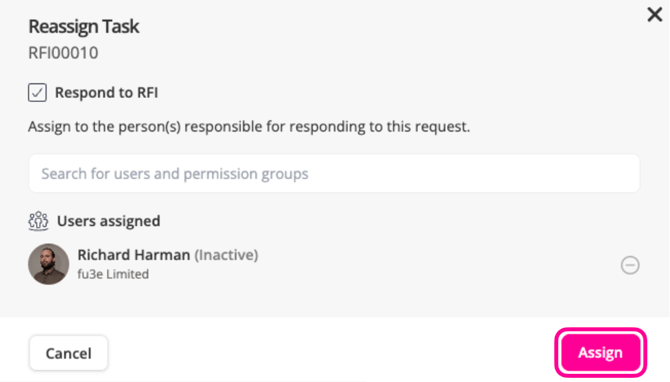
3. Click Reassign to open the Reassign Task modal, where you can add or remove users.
4. Search for the user, then click their name to select the person.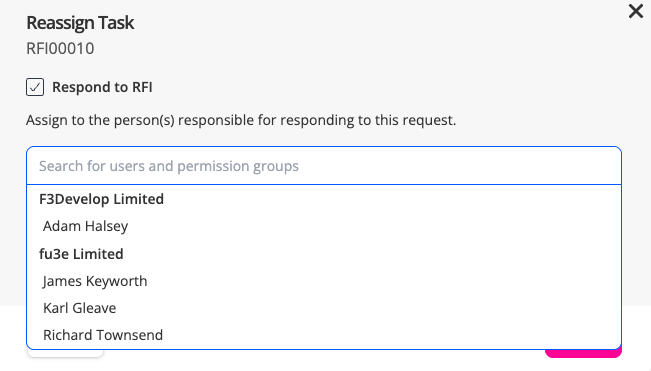
5. Click the Remove icon next to the user to remove them.
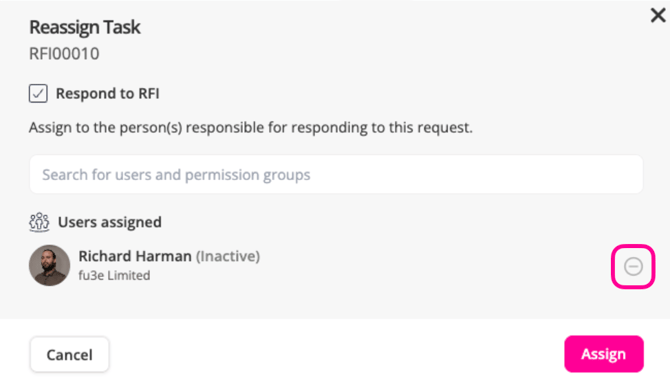
6. Click Assign to save the changes made.
Note: If the intended user is not in the list, please contact your administrator.