![String Format.png]](https://support.fu3e.com/hs-fs/hubfs/String%20Format.png?height=26&name=String%20Format.png)
Changes made to each ticket are logged in that ticket's audit log.
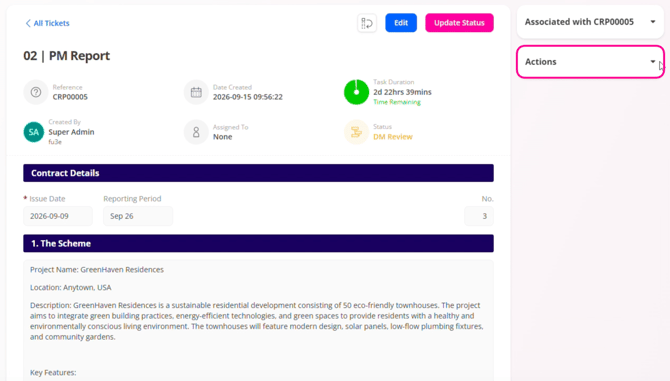
1. On the ticket view page, click the Actions menu on the right-hand side to expand and view the available options.
2. Click Audit to confirm and continue. 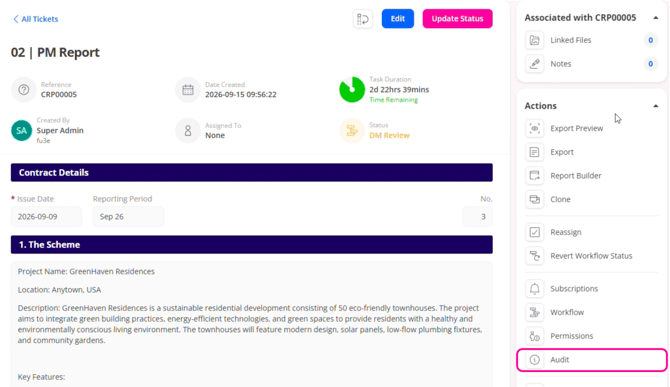 3.
3.
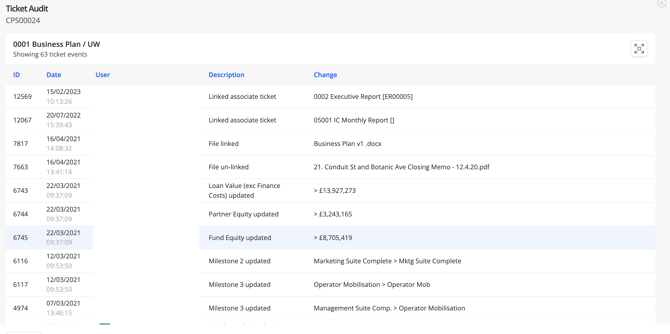
3. The Ticket Audit screen opens, allowing you to view the audit trail.