![String Format.png]](https://support.fu3e.com/hs-fs/hubfs/String%20Format.png?height=26&name=String%20Format.png)
How to Select from All Files and All Forms
This guide explains how to use All Files and All Forms in fu3e to add content from across your portfolio, helping you create more comprehensive and informative reports.
Go to template.fu3e.com
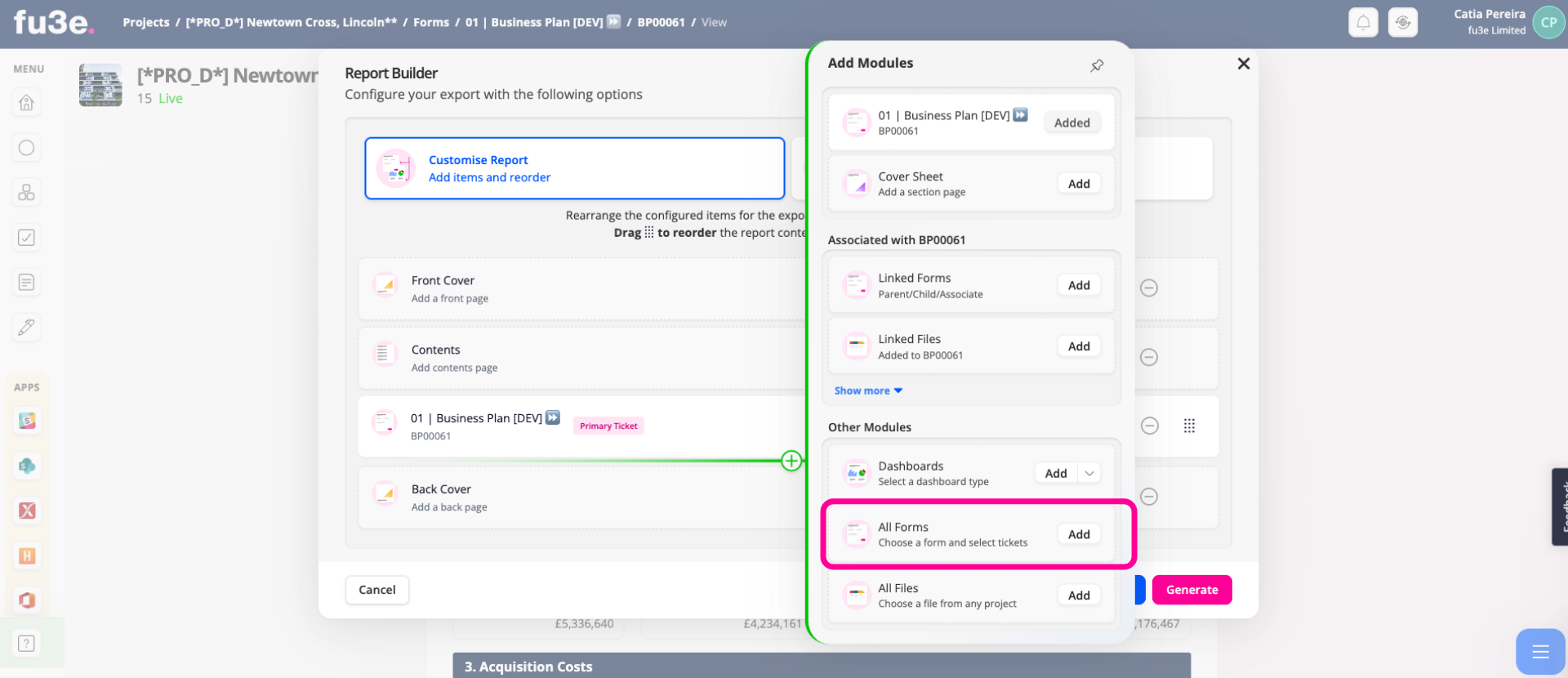
1. Add Forms Report Element
Click Add to open a list of available forms.
2.
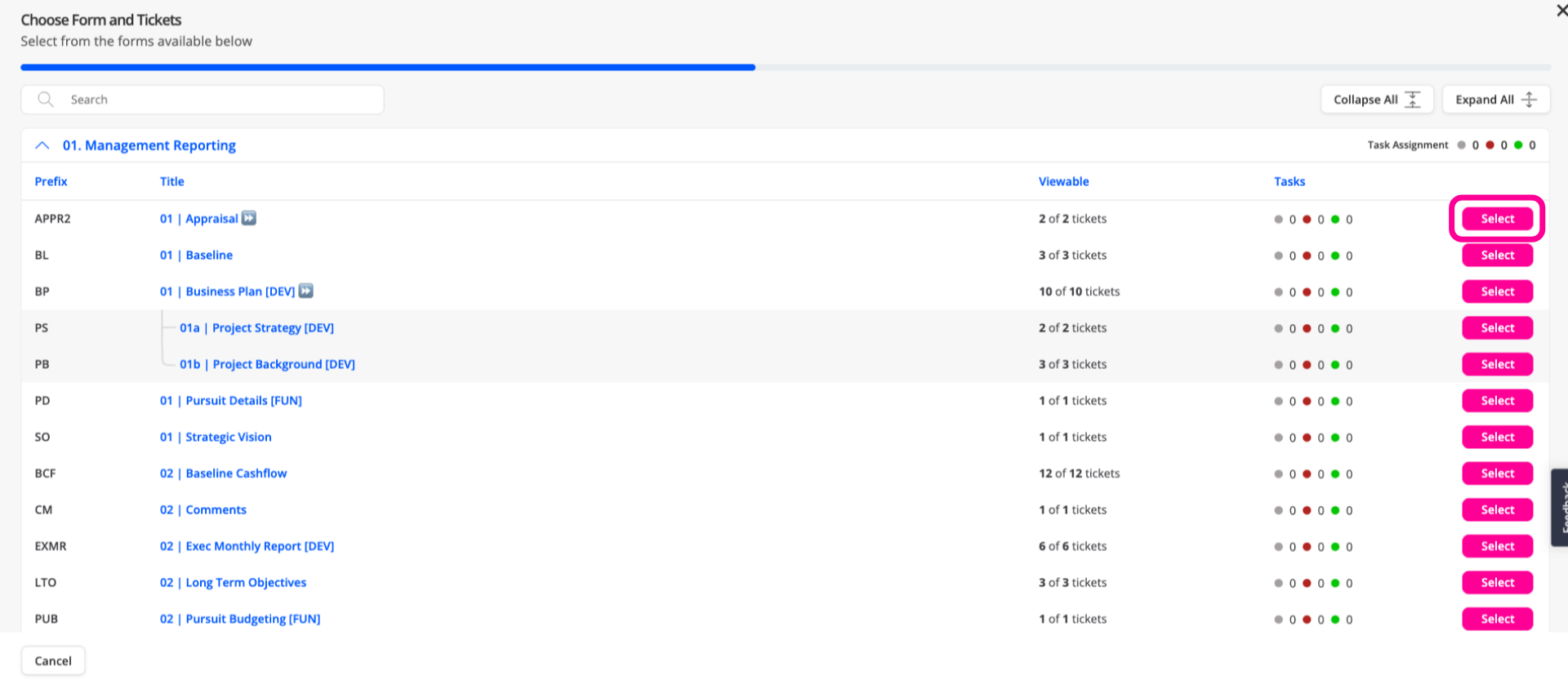
Search for the required form, then click Select to view the tickets.
3. Filter Form Section
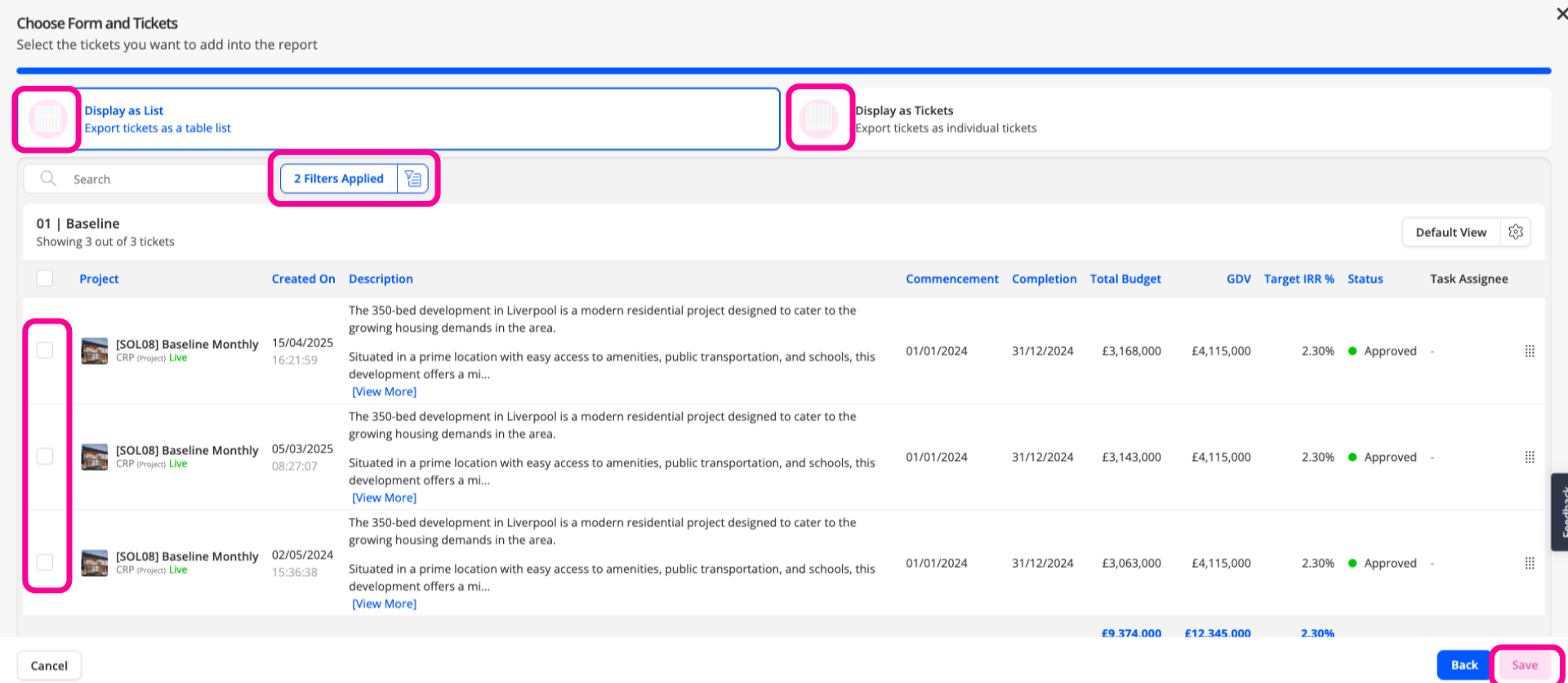
Choose from the available tickets. You can apply filters as needed, then select either a list view or an individual ticket view. Press Save to include in the report.
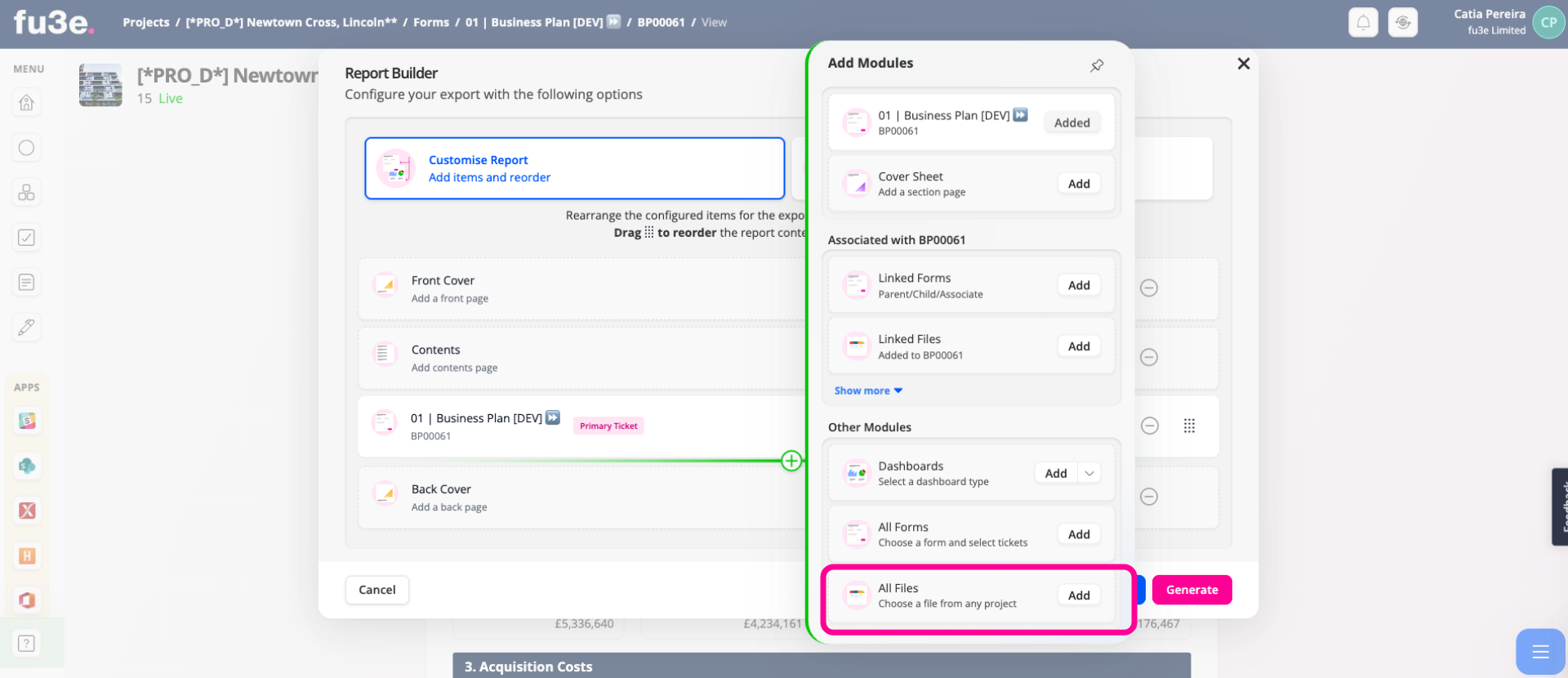
4. Adding Files Report Element
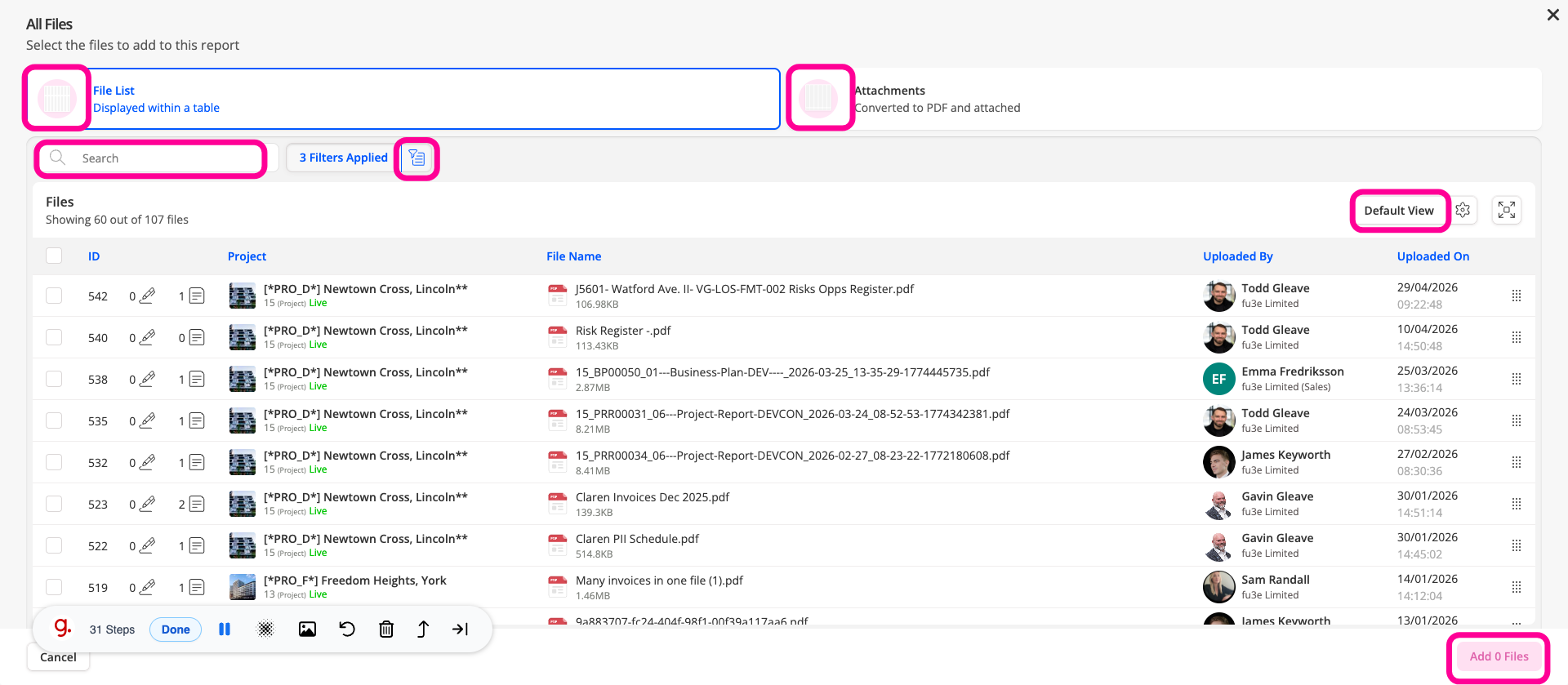
Click Add to open a list of all available files and choose the files you want to include in the report.
5. Filter Files Section
You can search, apply filters, or select different views to customise the display. Files can be included as a list or as converted PDF attachments. then press Add File to include in the report.
By using All Files and All Forms in fu3e, you can bring together key information from multiple projects, helping you build clearer and more complete reports.