![String Format.png]](https://support.fu3e.com/hs-fs/hubfs/String%20Format.png?height=26&name=String%20Format.png)
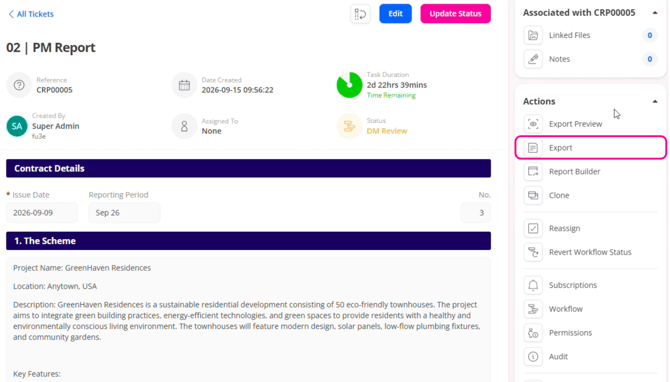
1. When viewing a ticket, you can export it to PDF from the Actions menu on the right-hand side. Click the menu to expand and view the available options.
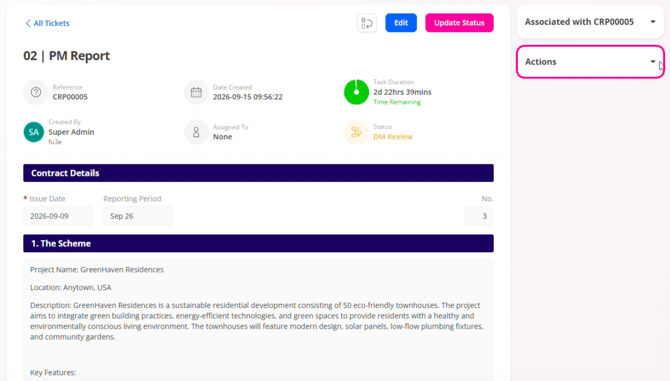
2. Once clicked, the options for tickets actions will open where you can see Export Ticket. Clicking this will download the PDF.