![String Format.png]](https://support.fu3e.com/hs-fs/hubfs/String%20Format.png?height=26&name=String%20Format.png)
1. On the ticket view screen, click the Actions menu on the right-hand side to expand and view the available options.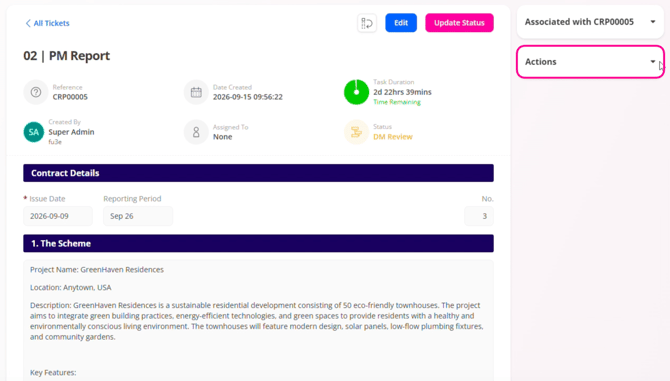
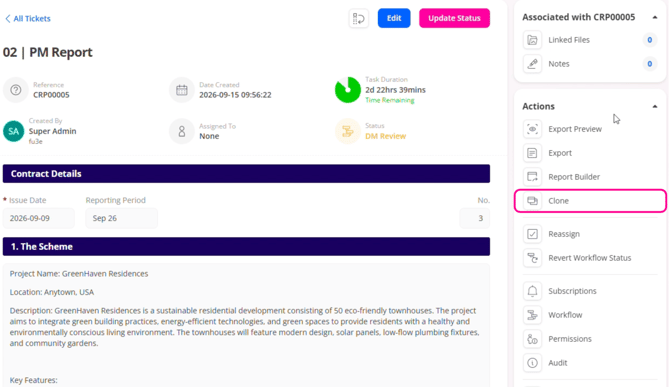
2. Select Clone from the menu to duplicate the ticket and copy over the information.
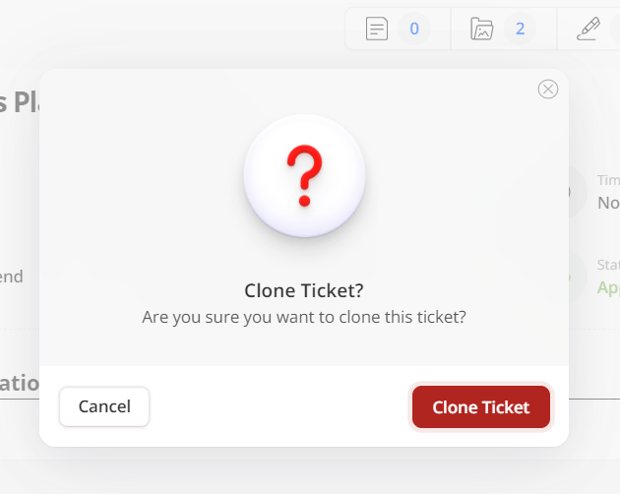
3. Click Clone Ticket to confirm and continue.
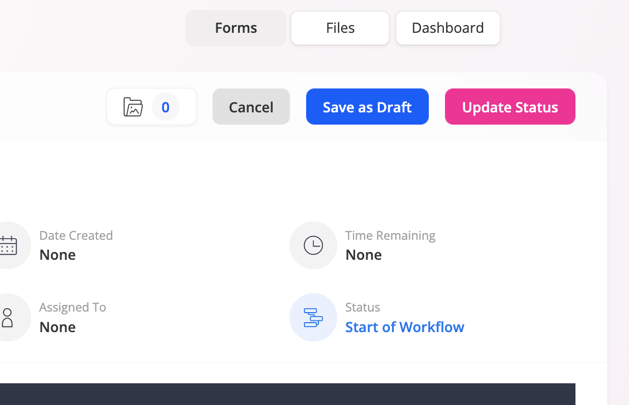
4. The information contained within your cloned ticket will be copied into the newly created form.
5. Update the form's fields as needed, then click Create & Update Status to publish as a newly created ticket.
Please note:
You can only clone tickets if you have been given edit field permissions and create permissions on that particular form.
If you clone a child ticket, the parent/child relationship will be replicated for the newly created child ticket.