![String Format.png]](https://support.fu3e.com/hs-fs/hubfs/String%20Format.png?height=26&name=String%20Format.png)
How to Attach Linked Files and Linked Forms
This tutorial will guide you through adding linked files and linked forms to your report, ensuring all relevant information is included before you generate your final document.
Go to template.fu3e.com
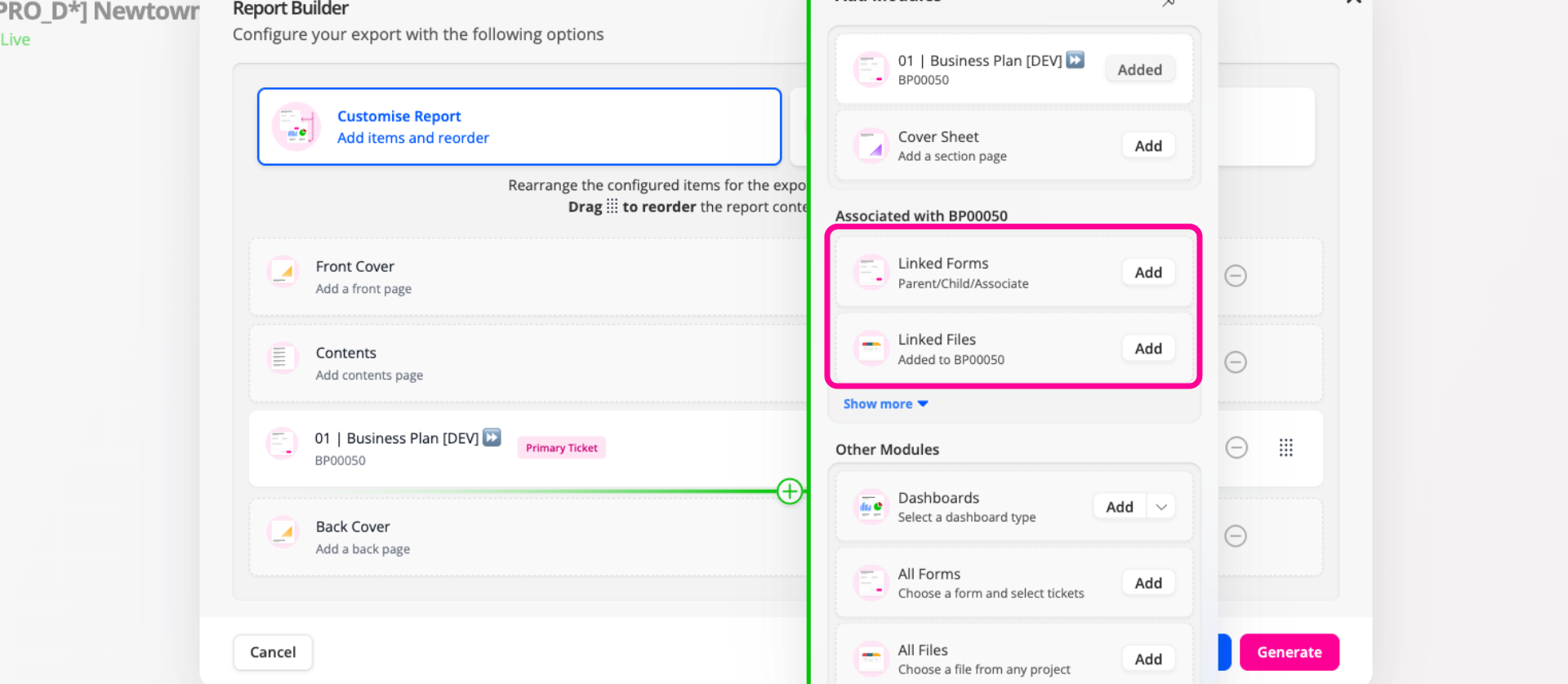
1. Add Linked Files or Linked Forms Report Element
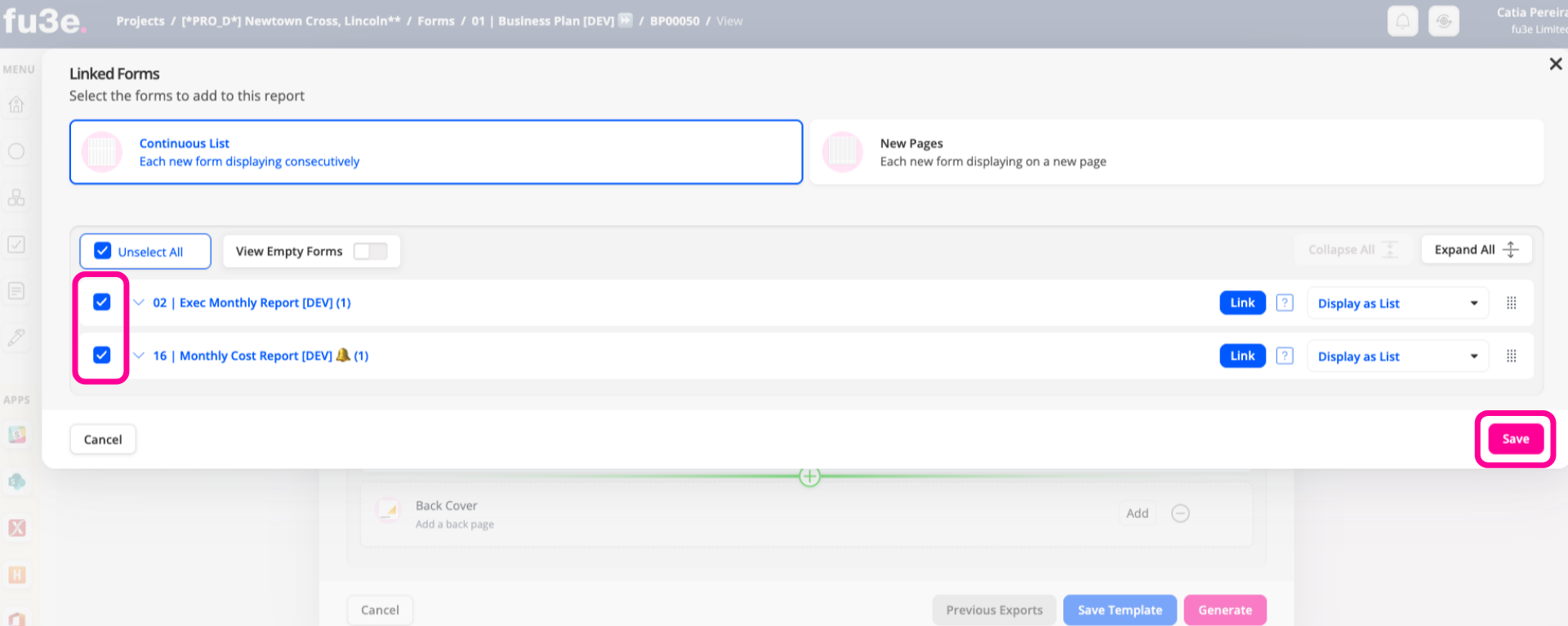
When selecting linked files or linked forms, you'll be taken to an additional screen
2. Add Linked Files Report or Linked Forms Element (2)
From here you can choose the items to include in your report, then click Save to add them.
3. Show More for Additional Options
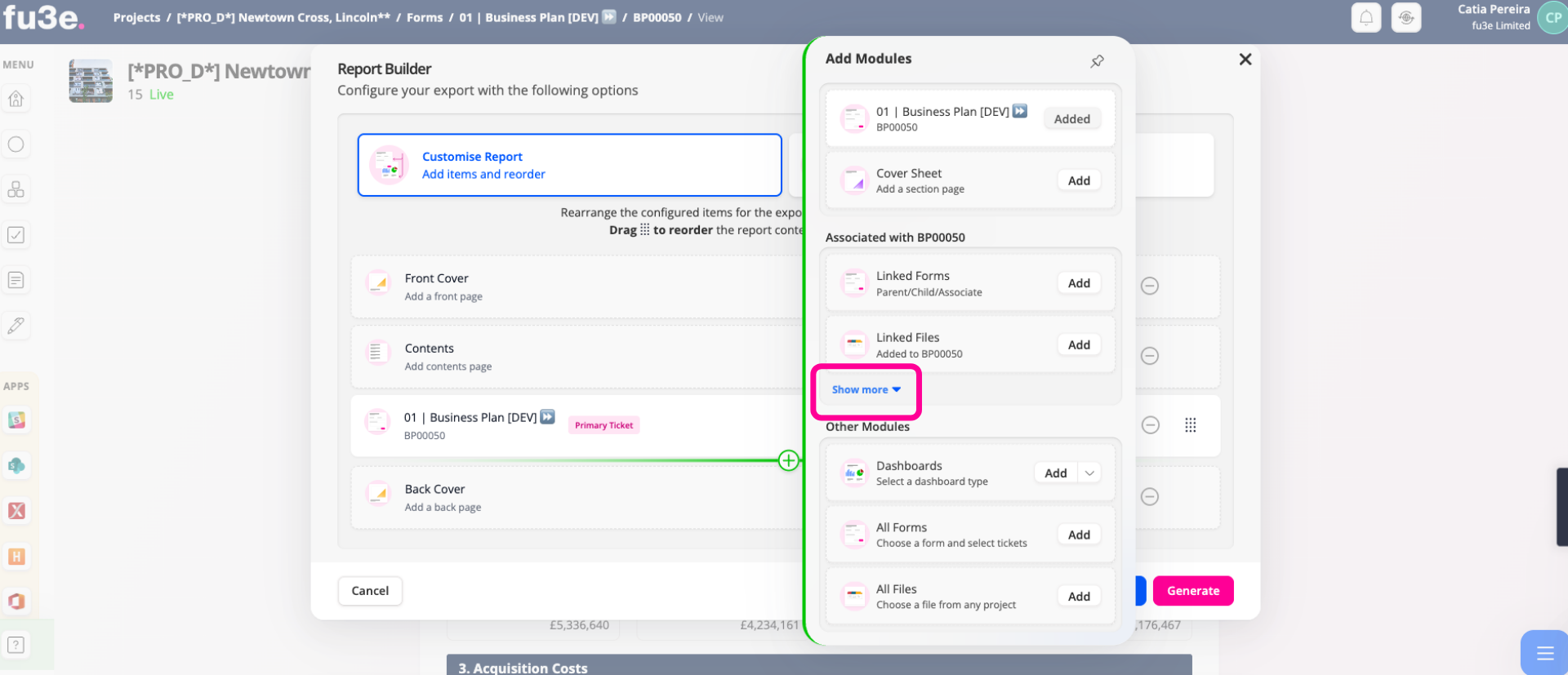
Click Show More to access additional content, including notes, audit history, workflow information, and guidance notes.
This guide has shown how to add linked files and linked forms to your report in fu3e, helping you create more comprehensive reports with all the information you need in a single document.